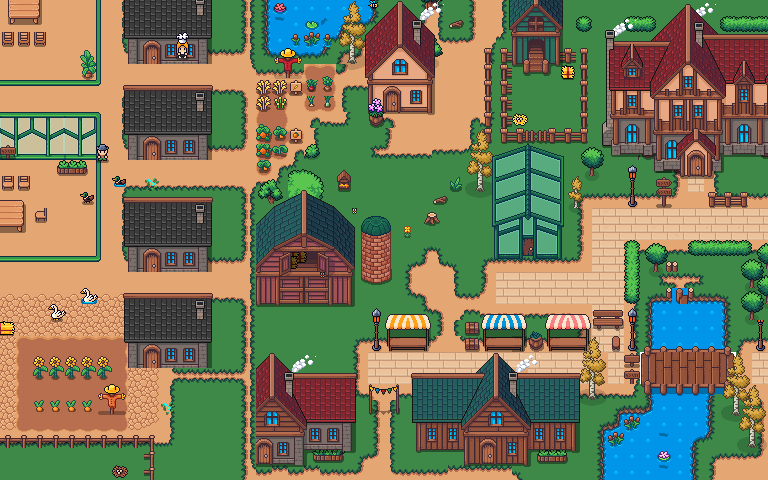
Walk over to someone.
Walk up to a colleague and talk. The closer you are, the better you hear each other; step away and the conversation fades. Your microphone and camera stay under your control.
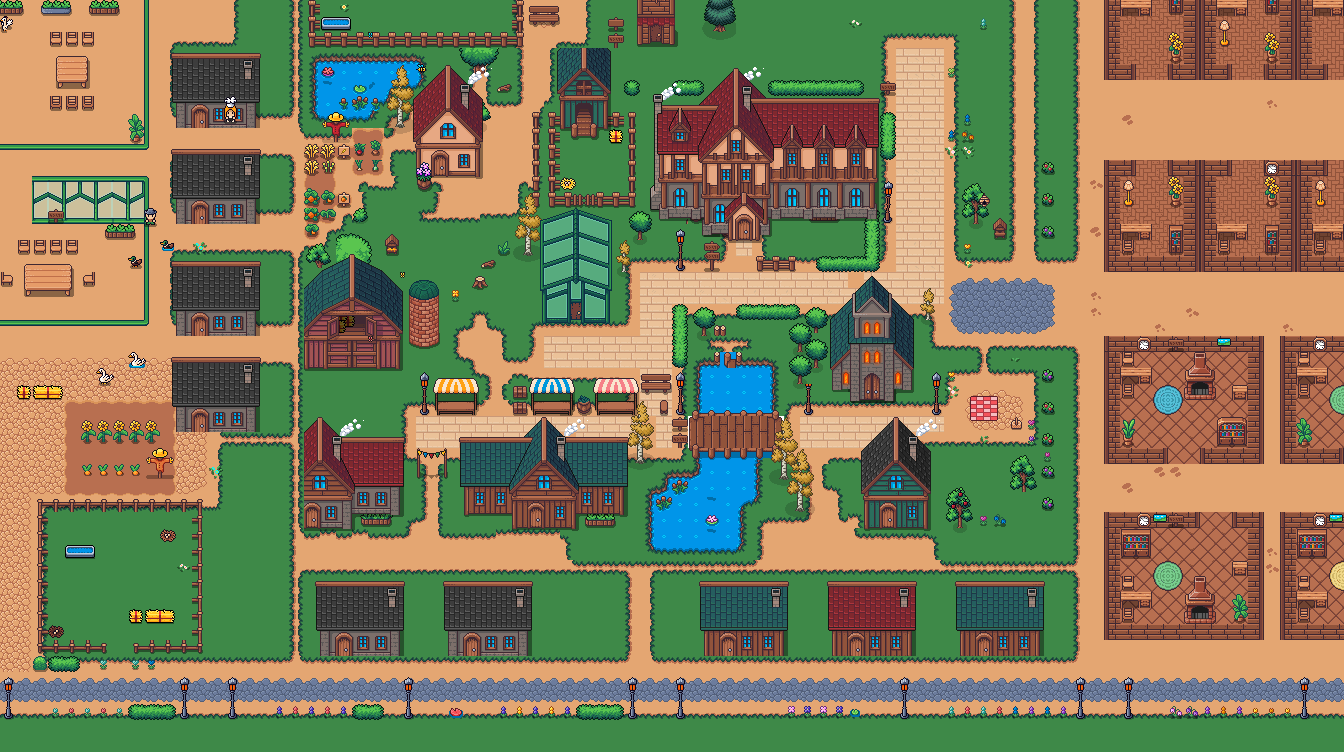
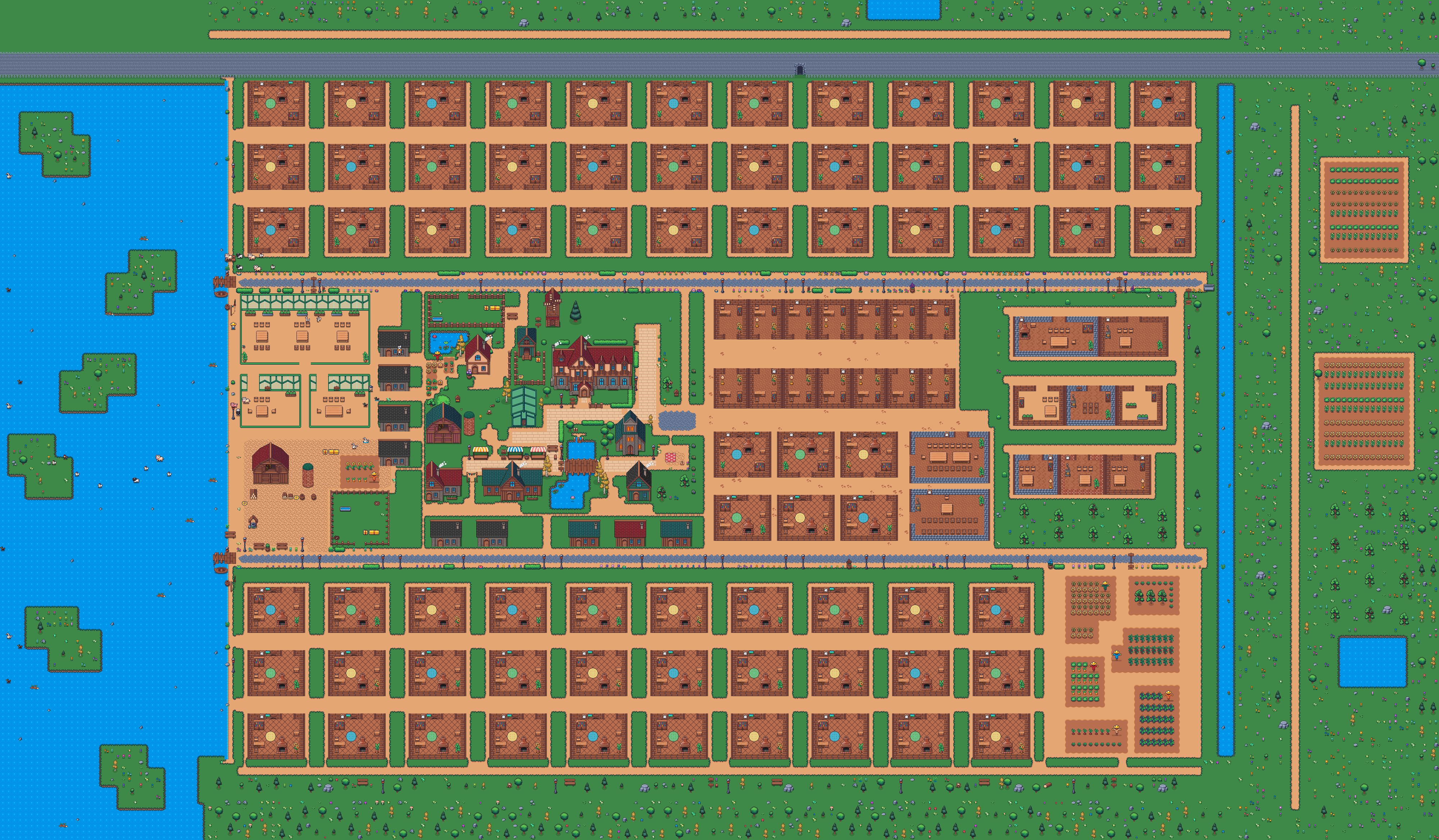
MICROHABITAT’S VIRTUAL OFFICE
One shared office, even when we’re cities apart. Walk over to a colleague, pull up a chair, and work things out together.
YOUR OFFICE, ONE CLICK AWAY
Drop in without hunting for the right tab. Sign in with your usual MicroHabitat account.
Choose your Mac chip.
Open Apple menu → About This Mac. If Chip says Apple M1 or later, choose Apple silicon. If Processor says Intel, choose Intel.
Version 1.1.0-beta.5 · Developer-signed · Notarized by Apple.Internet connection required. Before you install
Walk up to a colleague and talk. The closer you are, the better you hear each other; step away and the conversation fades. Your microphone and camera stay under your control.
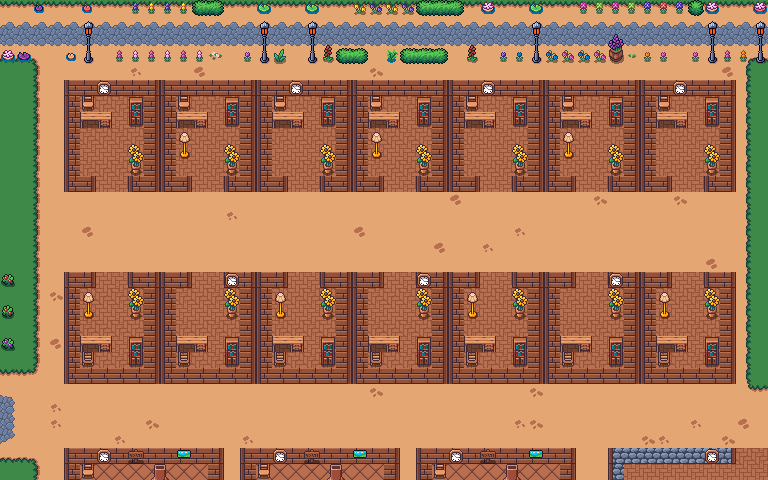
Inside an office, only the people in the room can hear you. Lock your own office to focus; colleagues knock to come in.
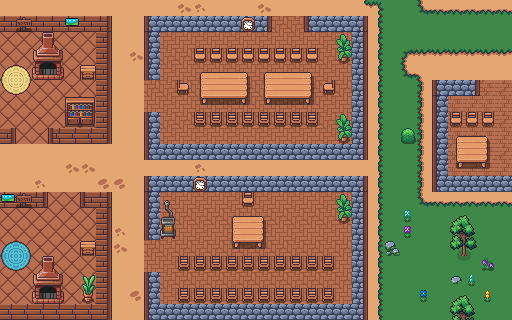
In a room, everyone hears everyone at full volume, wherever they sit. A meeting on your calendar books its room, and you can share your screen to work through something side by side.
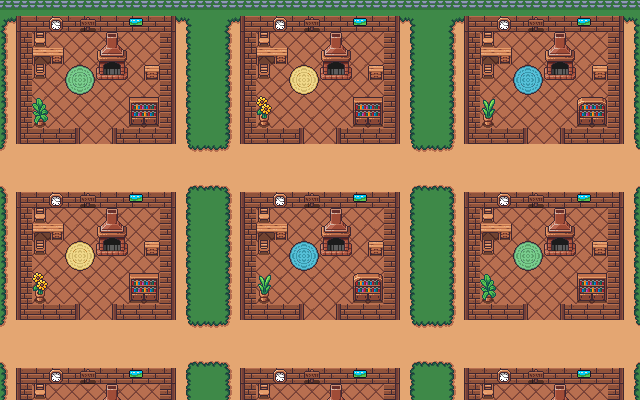
Farming teams have offices of their own, street by street. The people list shows who is in and where to find them.
GETTING STARTED
Apple silicon for M1 or later. Intel for Macs with an Intel processor.
Open the downloaded .dmg, drag MyUrbanFarm Office into Applications, then open it from Applications.
Sign in with your @microhabitat.ca account. Allow microphone and camera access when you want to talk.
The Mac app is for employees with an @microhabitat.ca email address. Your usual office access permissions still apply.
If macOS says the app is damaged or cannot be verified, do not override the warning. Contact your MicroHabitat team. This page offers only Mac releases that have passed our security checks.
Apple menu → About This Mac shows your chip. Choose Apple silicon for M1 or later, or Intel if you see an Intel processor. Some browsers don’t share this information, so you can always choose manually.
With Google or Microsoft, finish signing in in the window that opens, then choose Open MyUrbanFarm Office. Email and password sign-in is also available. Live transcripts and shared computer audio are unavailable in this test build. An internet connection is required.